Translate
If your mother tongue is beyond English, you can use the “translation” function that comes with the browser, and then demonstrate how to use the translation function of Chrome and Edge
If you’re using Chrome, you can right-click on the page and select Translate, or click the Translate icon in the address bar.
Then choose the language you want to translate


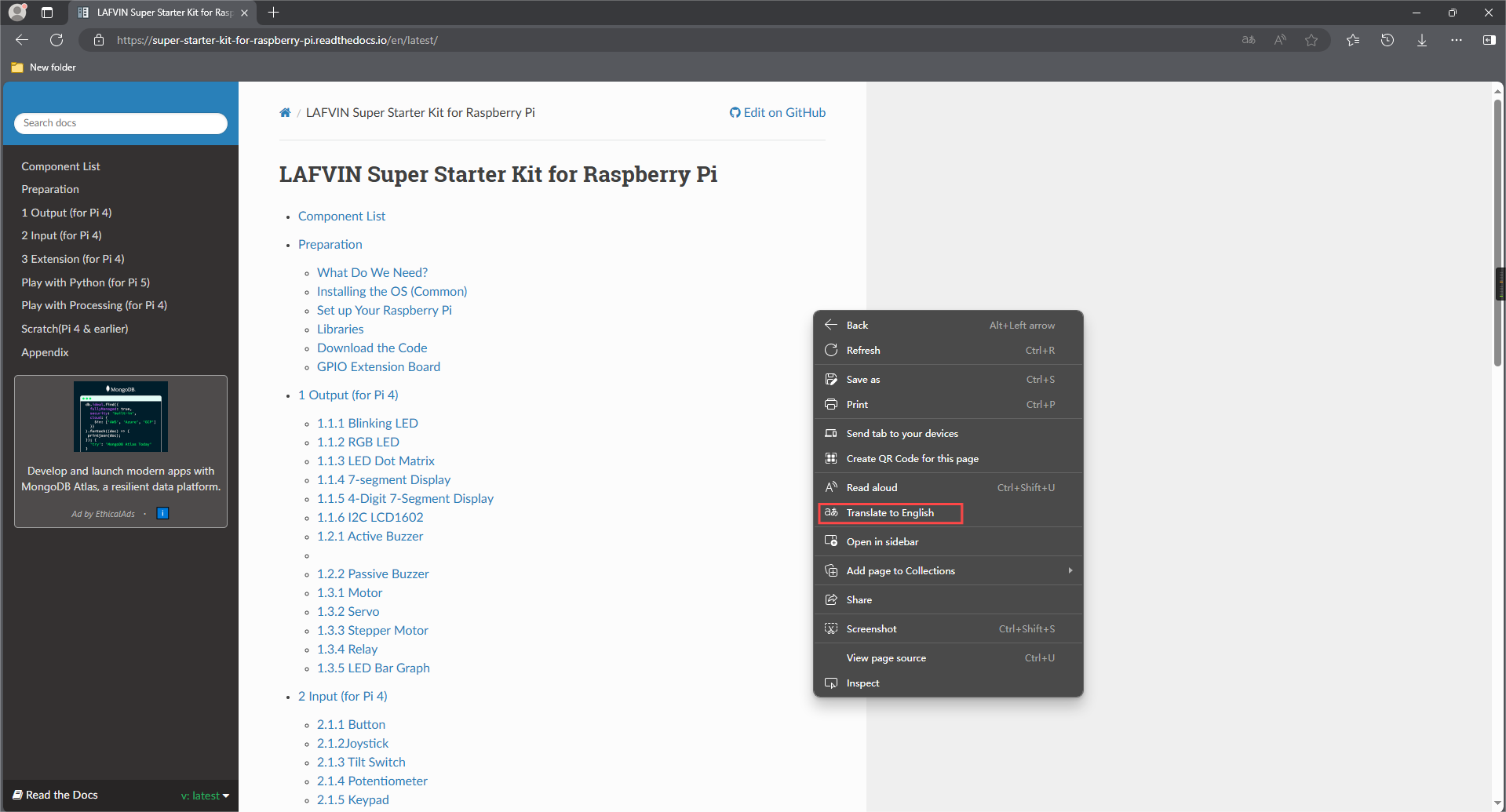
If you’re using Edge, you can right-click on the page and select Translate, or click the Translate icon in the address bar.
Then choose the language you want to translate