3.1.8 GAME–Guess Number
Introduction
In this entertaining project, you’ll build an electronic version of the classic “Guess the Number” game! Perfect for parties or just having fun, this interactive game challenges players to find a secret number between 0-99. Each guess narrows down the possible range until someone finds the target number.
How the game works: 🎯 Secret target: The system picks a random number (hidden from players) 🎮 Player turns: Take turns guessing numbers using the keypad 📱 Smart feedback: The LCD shows the narrowing range after each guess 🏆 Winner/Loser: Whoever guesses the exact number “wins” (or loses, depending on your rules!)
Example game round: • Secret number: 51 (hidden) • Player 1 guesses: 50 → Range becomes 50~99 • Player 2 guesses: 70 → Range becomes 50~70 • Player 3 guesses: 51 → “You’ve got it!” (Game over!)
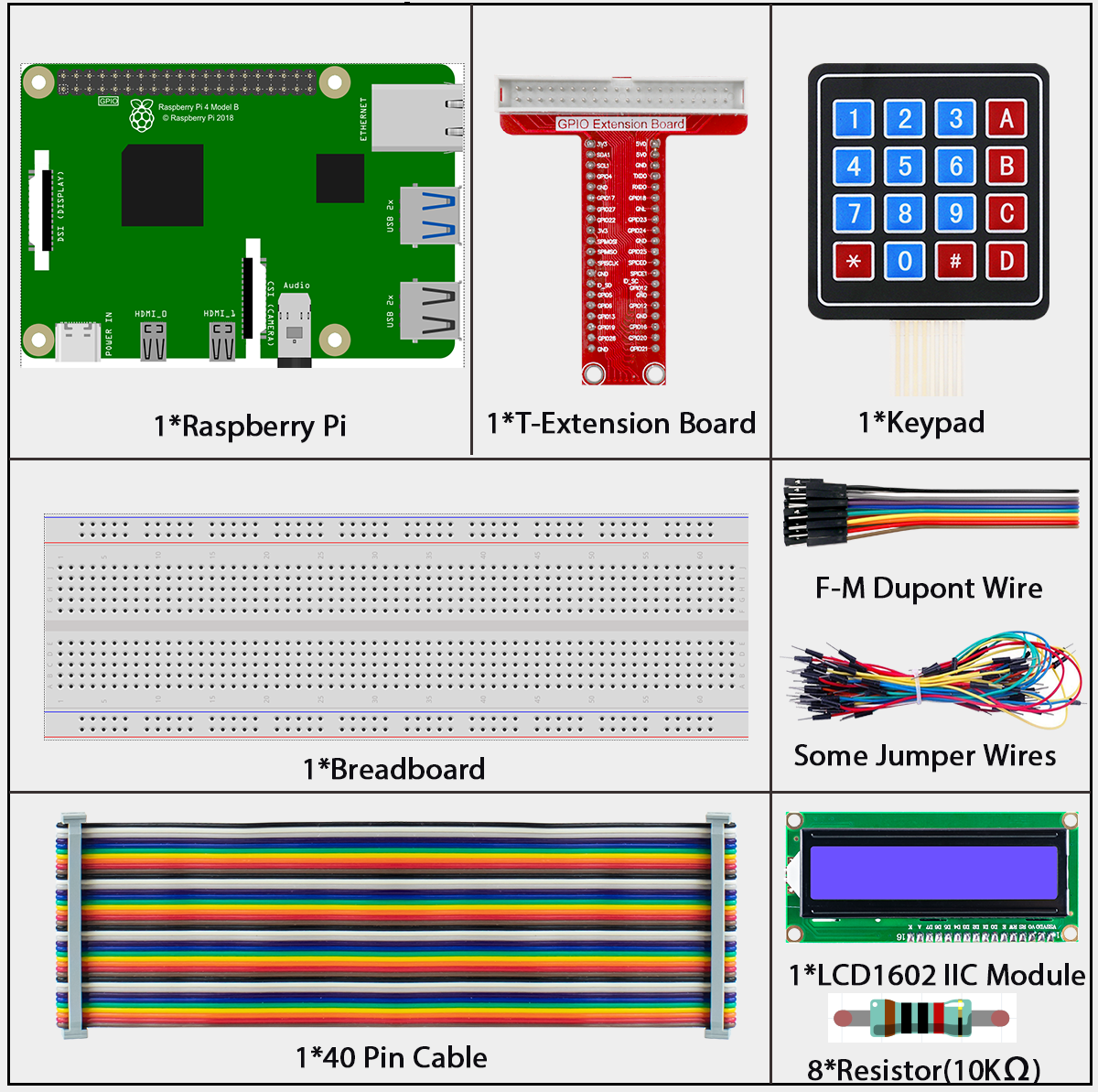
Components: Keypad for number input + LCD for displaying results and game status
Components
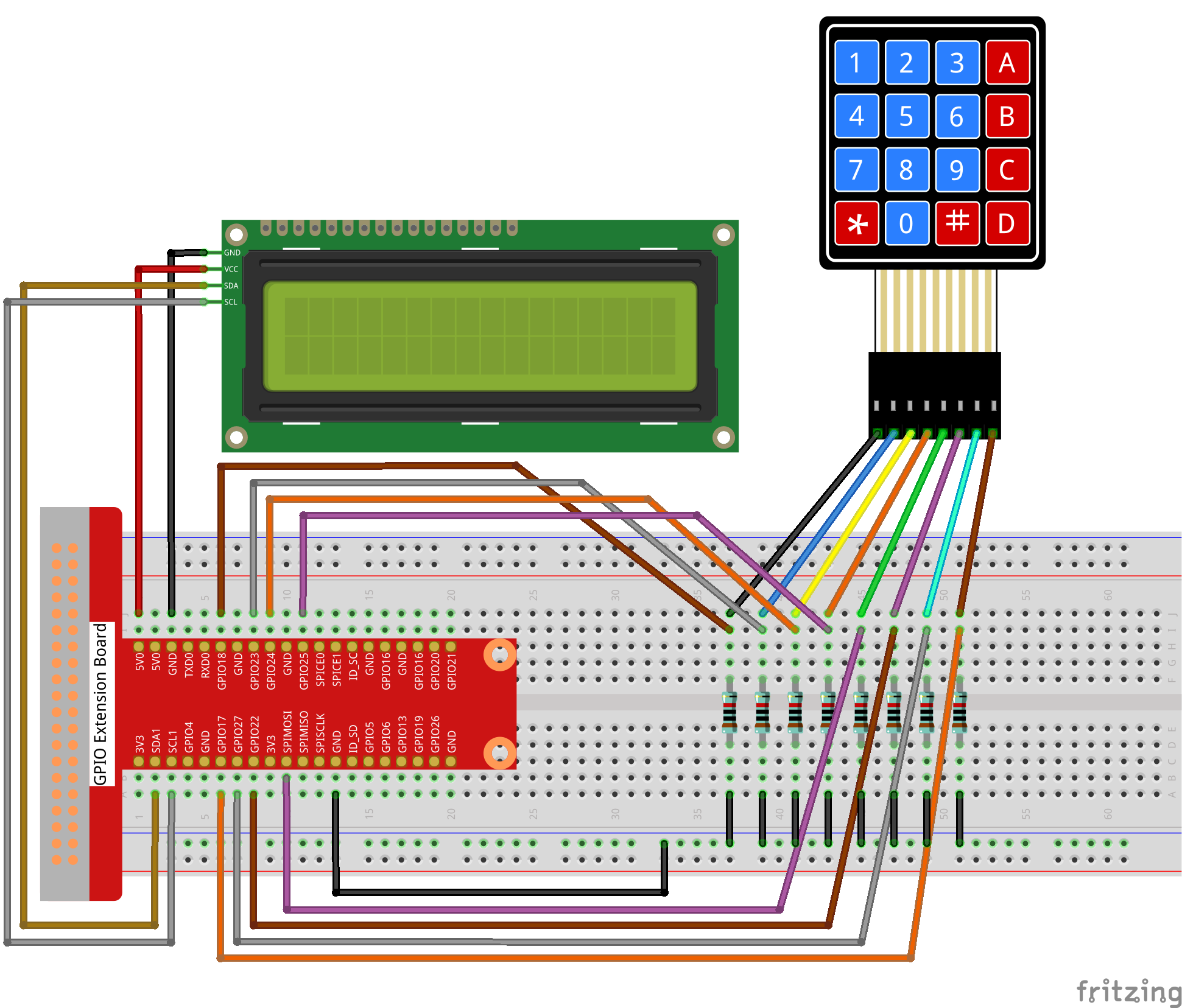
Connect
T-Board Name |
physical |
wiringPi |
BCM |
|---|---|---|---|
GPIO18 |
Pin 12 |
1 |
18 |
GPIO23 |
Pin 16 |
4 |
23 |
GPIO24 |
Pin 18 |
5 |
24 |
GPIO25 |
Pin 22 |
6 |
25 |
SPIMOSI |
Pin 19 |
12 |
10 |
GPIO22 |
Pin 15 |
3 |
22 |
GPIO27 |
Pin 13 |
2 |
27 |
GPIO17 |
Pin 11 |
0 |
17 |
SDA1 |
Pin 3 |
SDA1(8) |
SDA1(2) |
SCL1 |
Pin 5 |
SCL1(9) |
SDA1(3) |
Code
For C Language User
Go to the code folder compile and run.
cd ~/super-starter-kit-for-raspberry-pi/c/3.1.8/
gcc 3.1.8_GAME_GuessNumber.c -lwiringPi
sudo ./a.out
For Python Language User
Go to the code folder and run.
cd ~/super-starter-kit-for-raspberry-pi/python
python 3.1.8_GAME_GuessNumber.py
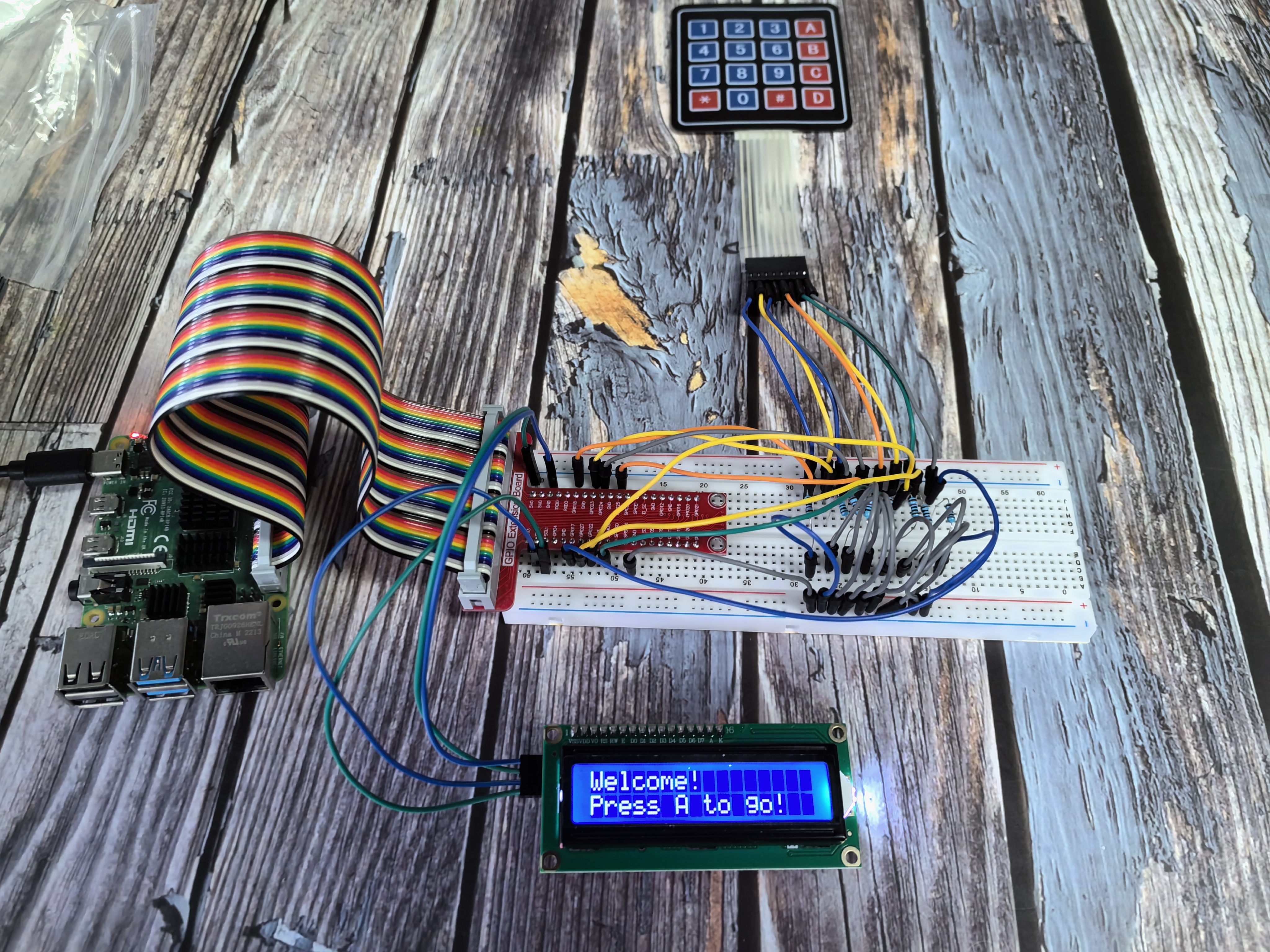
Getting started - Welcome screen:
When you first run the program, the LCD displays a friendly welcome message:
Welcome!
Press A to go!
Starting the game:
Press the ‘A’ key on your keypad to begin! The LCD will switch to the main game screen:
Enter number:
0 ‹point‹ 99
How to play:
🎲 Hidden target: The system secretly generates a random number (the “point”) that you need to guess
⌨️ Enter your guess: Type numbers using the keypad - your input appears on the first line
✅ Submit your guess: • Press ‘D’ to confirm your number, OR • For numbers ≥ 10, the system automatically processes your guess
📊 Range updates: The second line shows the current valid range - you must guess within these limits
🎯 Winning condition: Keep guessing until the range narrows down and you hit the exact target number
🎉 Victory message: When you guess correctly, “You’ve got it!” appears on the screen
Strategy tip: Each guess eliminates possibilities and narrows the range, so choose wisely!
Phenomenon